01
The next visitor reads everyone before them.
Names, phone numbers and the houses they visited, open on the desk. Who let them in? The book cannot say.
Data Protection Act 2019, section 41 · for a lawyer to confirm


For estate committees
Overall security management for residential estates
An intelligent property security and access management platform that enhances safety through controlled visitor access, digital verification and real-time entry monitoring.
At the gate, the officer simply asks: “Nipe code yako, tafadhali.”
The demo opens with its sign-ins filled in and resets every hour. Or try the office demos
| Time | Visitor · house | Result |
|---|---|---|
| 08:14 EAT | N. Tumaini · 01 | Let in |
| 08:21 EAT | Courier · 12 | Let in |
| 08:30 EAT | — · 03 | Expired |
The visitor book
Names, phone numbers and the houses they visited, open on the desk. Who let them in? The book cannot say.
Data Protection Act 2019, section 41 · for a lawyer to confirm
The estate decides why visitor details are collected, so the estate is the one the Act holds responsible for them, not the officer and not us.
Data Protection Act 2019, section 2 · for a lawyer to confirm
A full book sits under the desk for years, or goes out with the rubbish. With NIPE code, your manager sets how many days gate records are kept, and they are deleted after that.
Data Protection Act 2019, sections 25 and 39 · for a lawyer to confirm
The manager
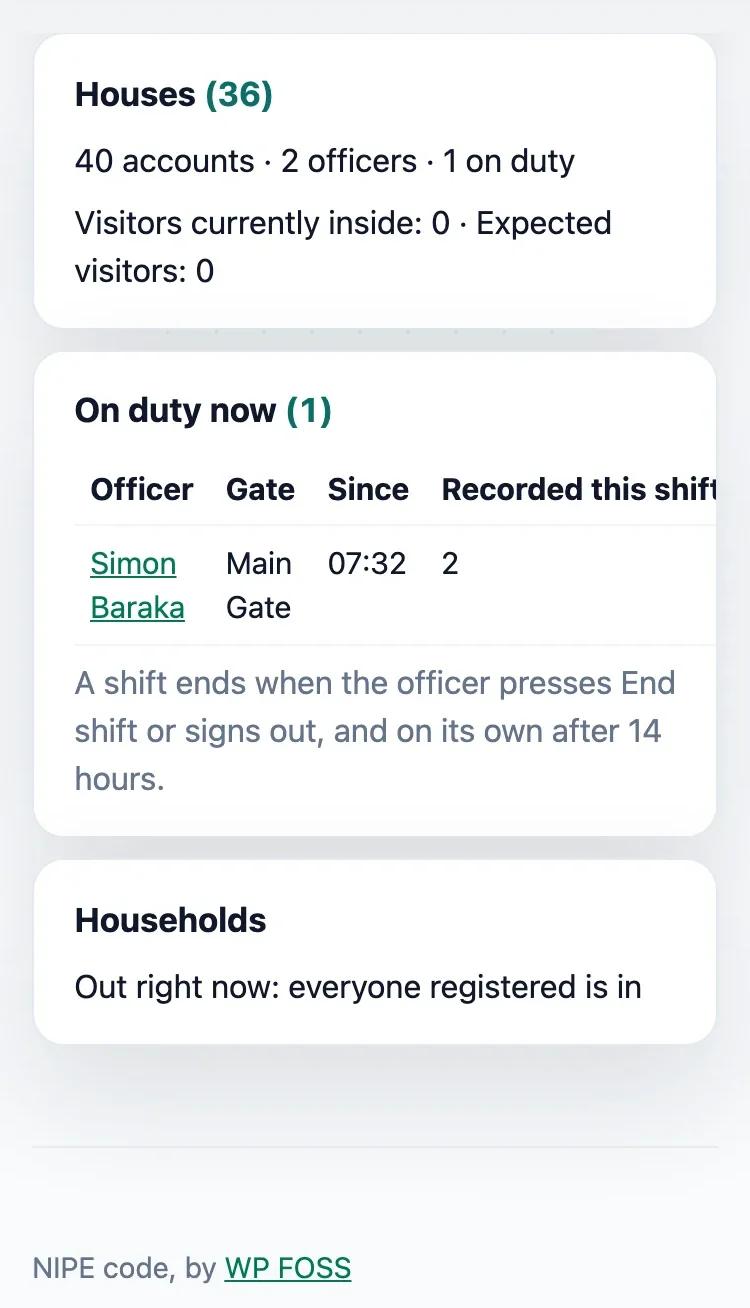
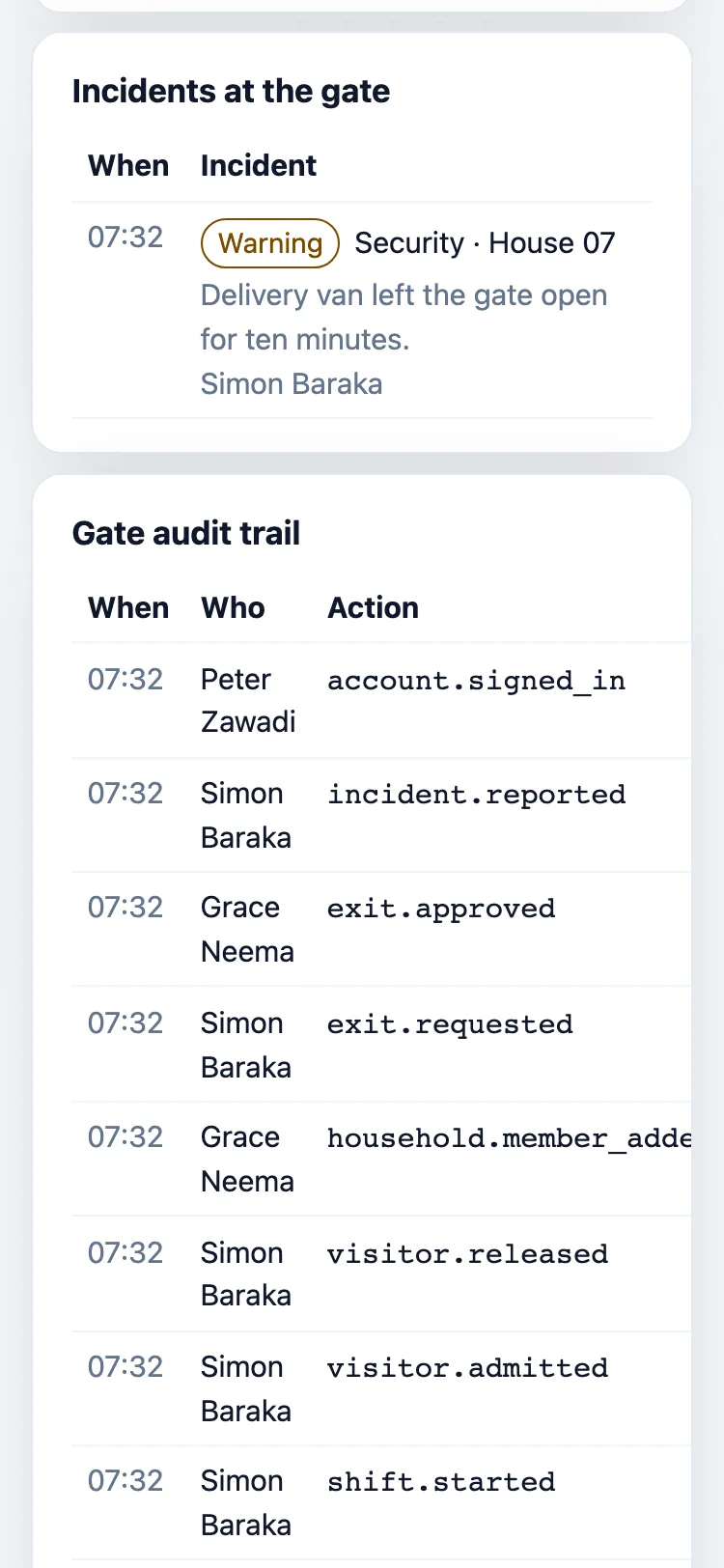
Who is on duty, every incident, and who did what: each with a name and a time.
The record
Each gate code and every phone number is encrypted before it is stored, and a code works once. Only your property’s people can open its records.
Gate records are deleted after the number of days your property chooses, on its own Policy page.
The house that invited the visitor, and the officer on duty who let them in, each with a time.
How a visit works
 Play · 48 s
01 · The resident
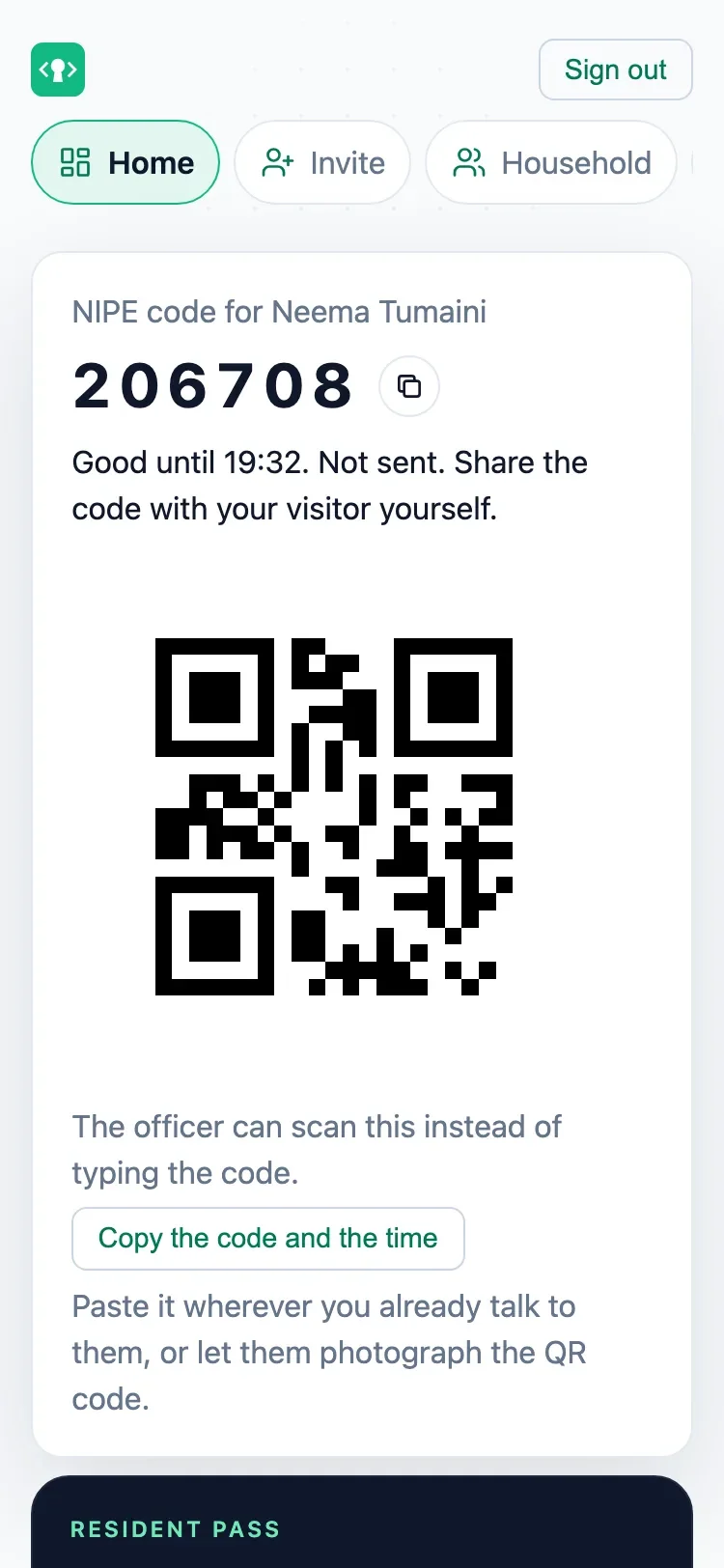
They get a six-digit code that works once, for that person, that day.
02 · The officer
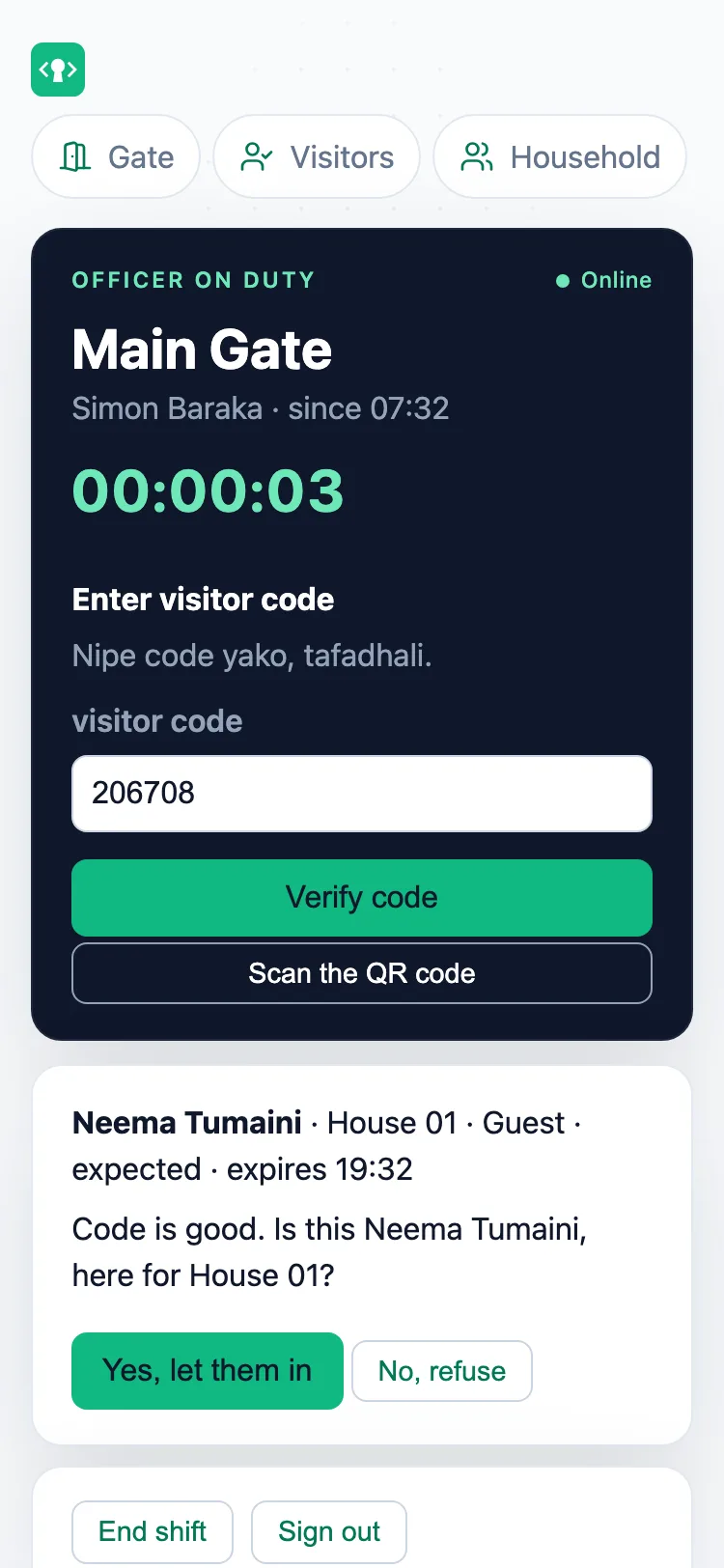
“Is this Neema Tumaini, for House 01?” Yes lets them in. No turns them away.
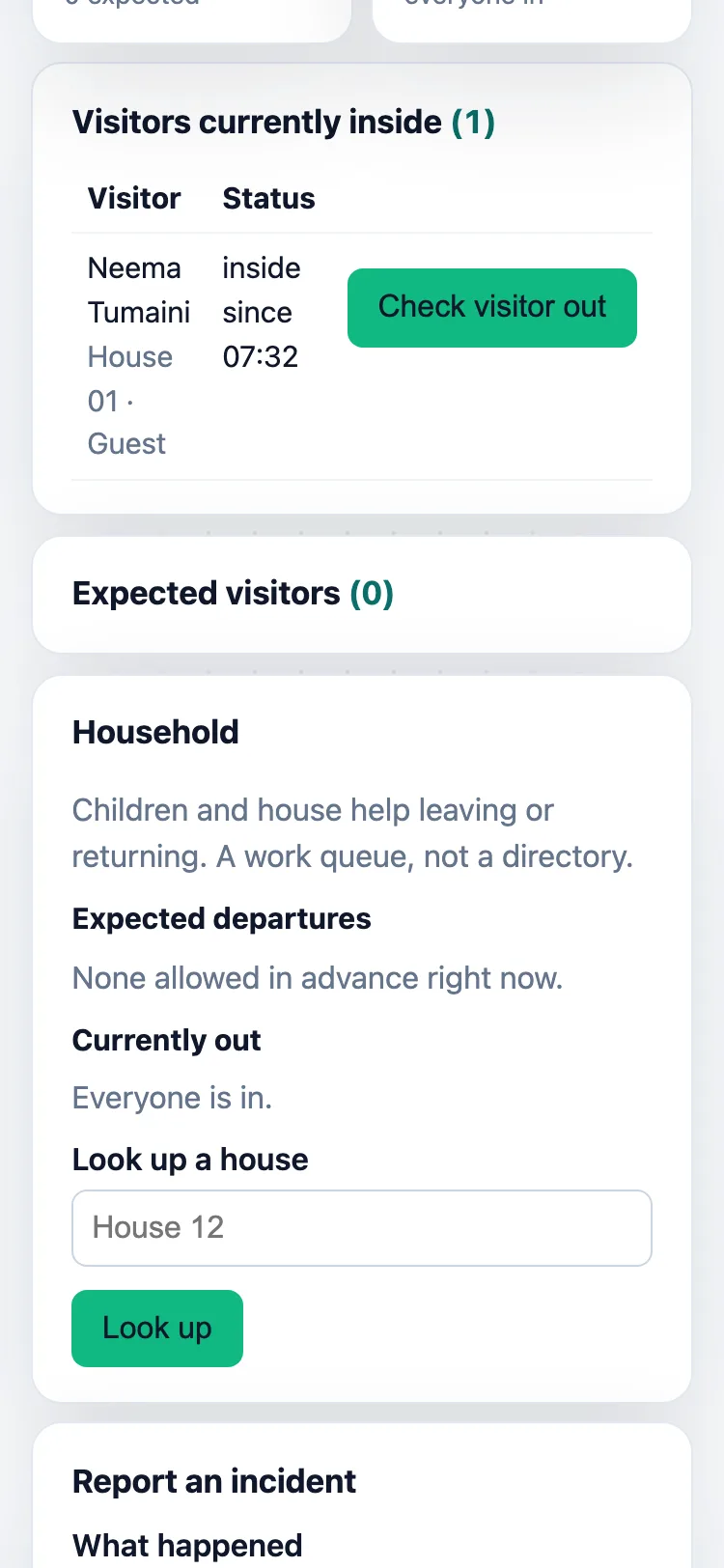
03 · In and out
The gate sees who is in and since when. The resident sees their visitor arrive.
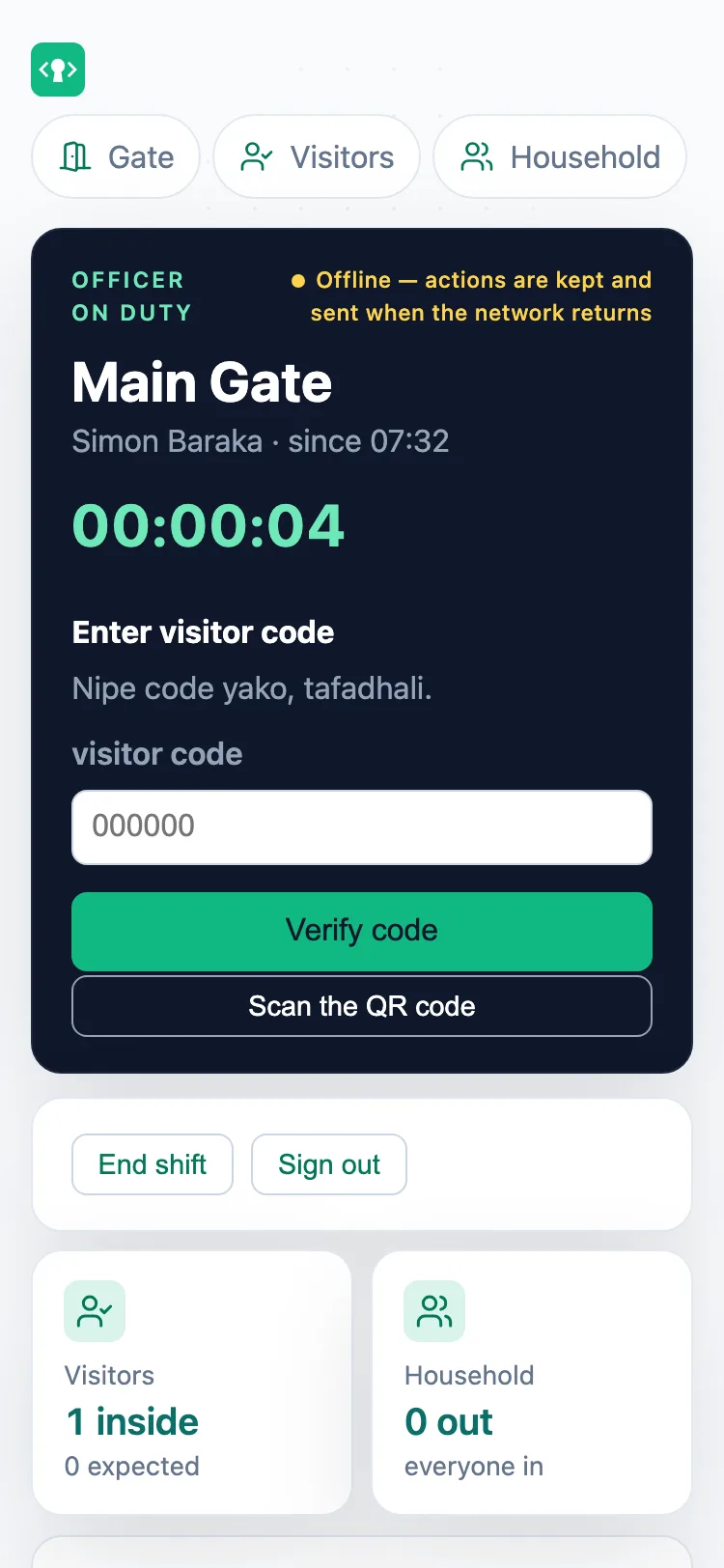
Everything is kept on the phone and sent when the network returns.
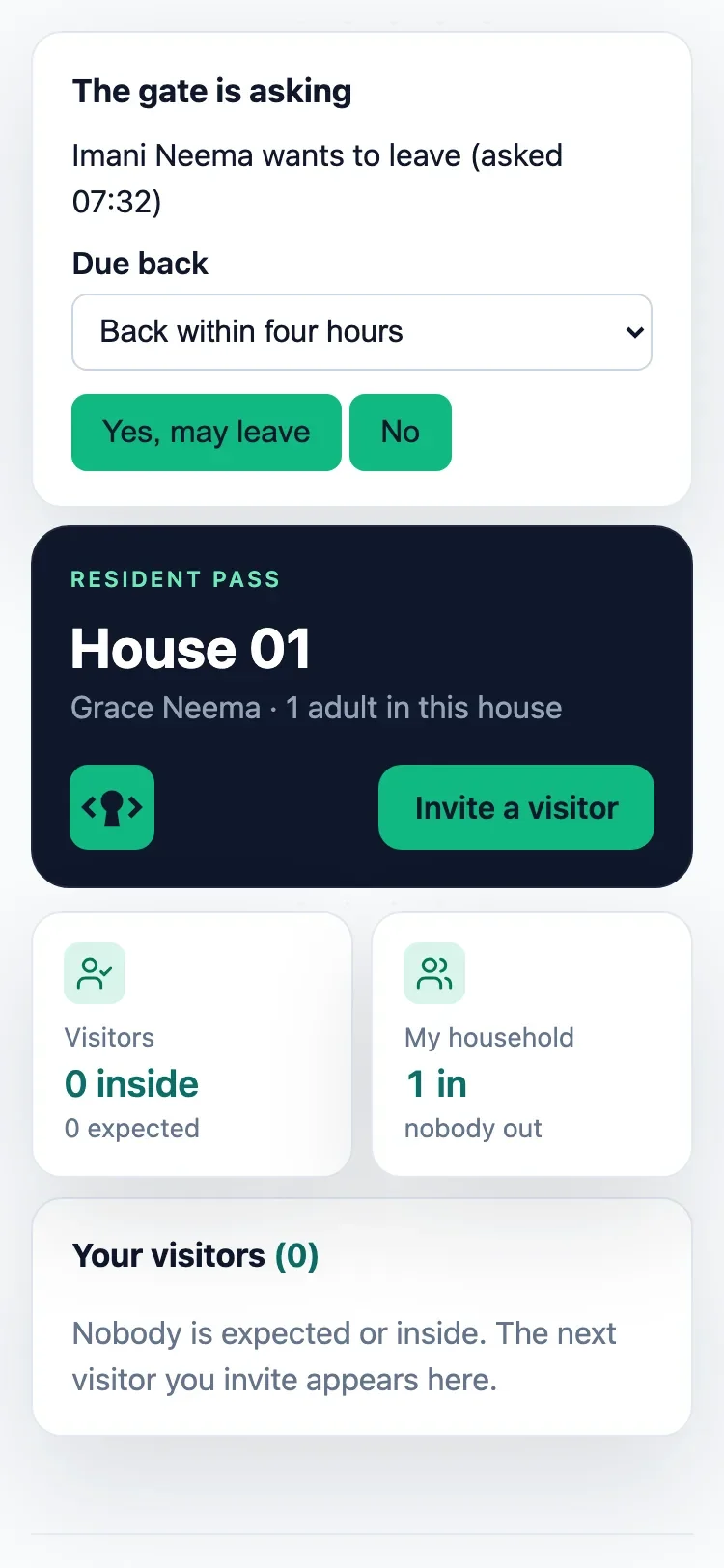
The gate asks the parent and waits for the answer.
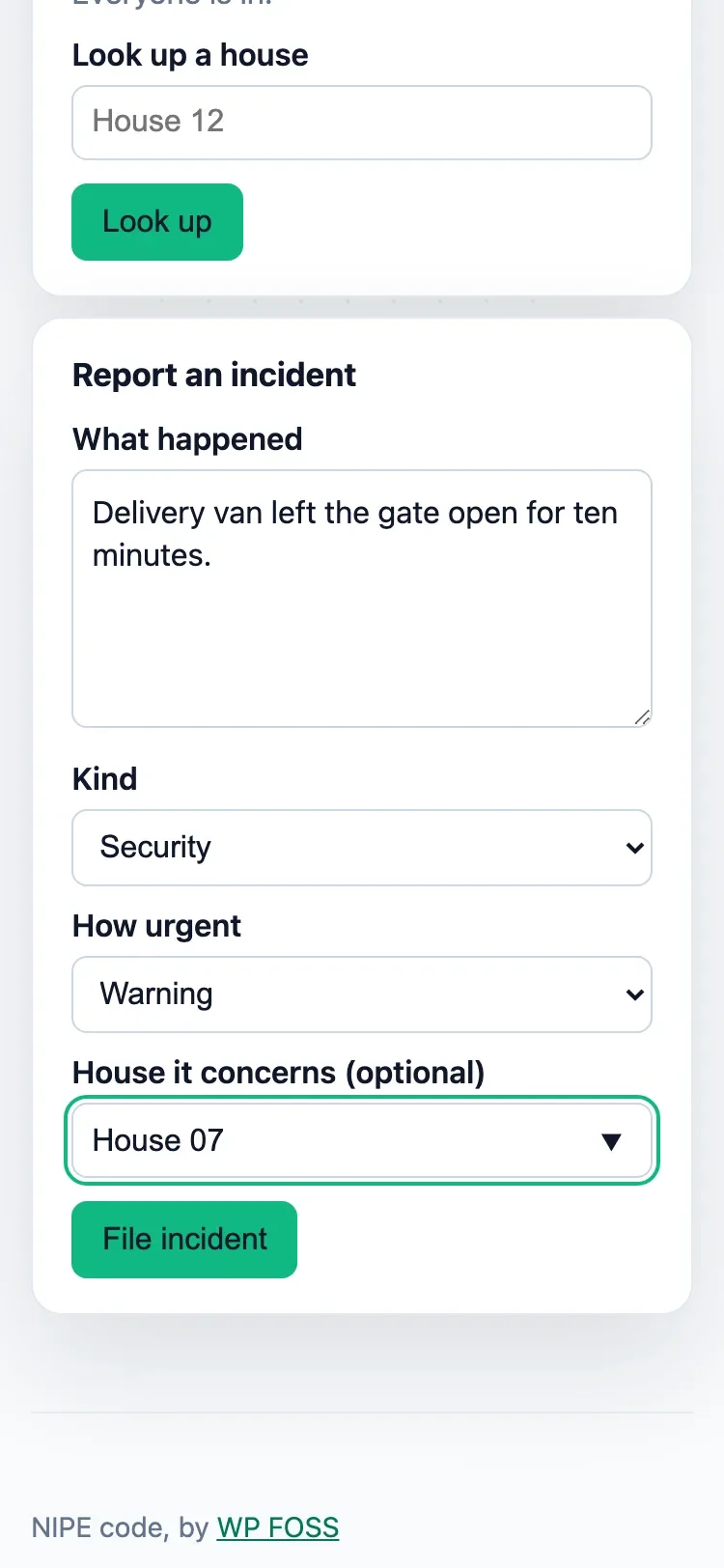
With the officer’s name and the time.
The same code at every gate, for residents or staff. Each has a demo you can open now.
Get started
On your phone, in under ten minutes.
Tell us what kind of place it is.
We email you a code. Type it and tick the box. We ask your mobile only to call you about setting up.
Your address and login work at once. Add houses and officers when you are ready.
All you need is the property’s name, your email and your mobile. No card.
Who pays
Residents, guests and visitors never pay to use the gate.
The property pays one monthly figure for the whole property, agreed before it pays.
Every new property gets 10 test texts once its manager confirms their mobile. After that, texts are optional and prepaid; sharing a code is always free.
Bring them onto NIPE code, set them up, and earn from what they pay.
Get in touch
We will call you within a day to arrange a visit. An affiliate surveys the gate and sets the setup fee, in writing before you pay anything. The monthly price is fixed by size.